Customizable Sight-Reading Tools
Covers melody, interval, chord, jianpu, piano, and rhythm training.
Cognote
Six Core Tools
Melody · Jianpu · Interval · Chord · Piano · Rhythm
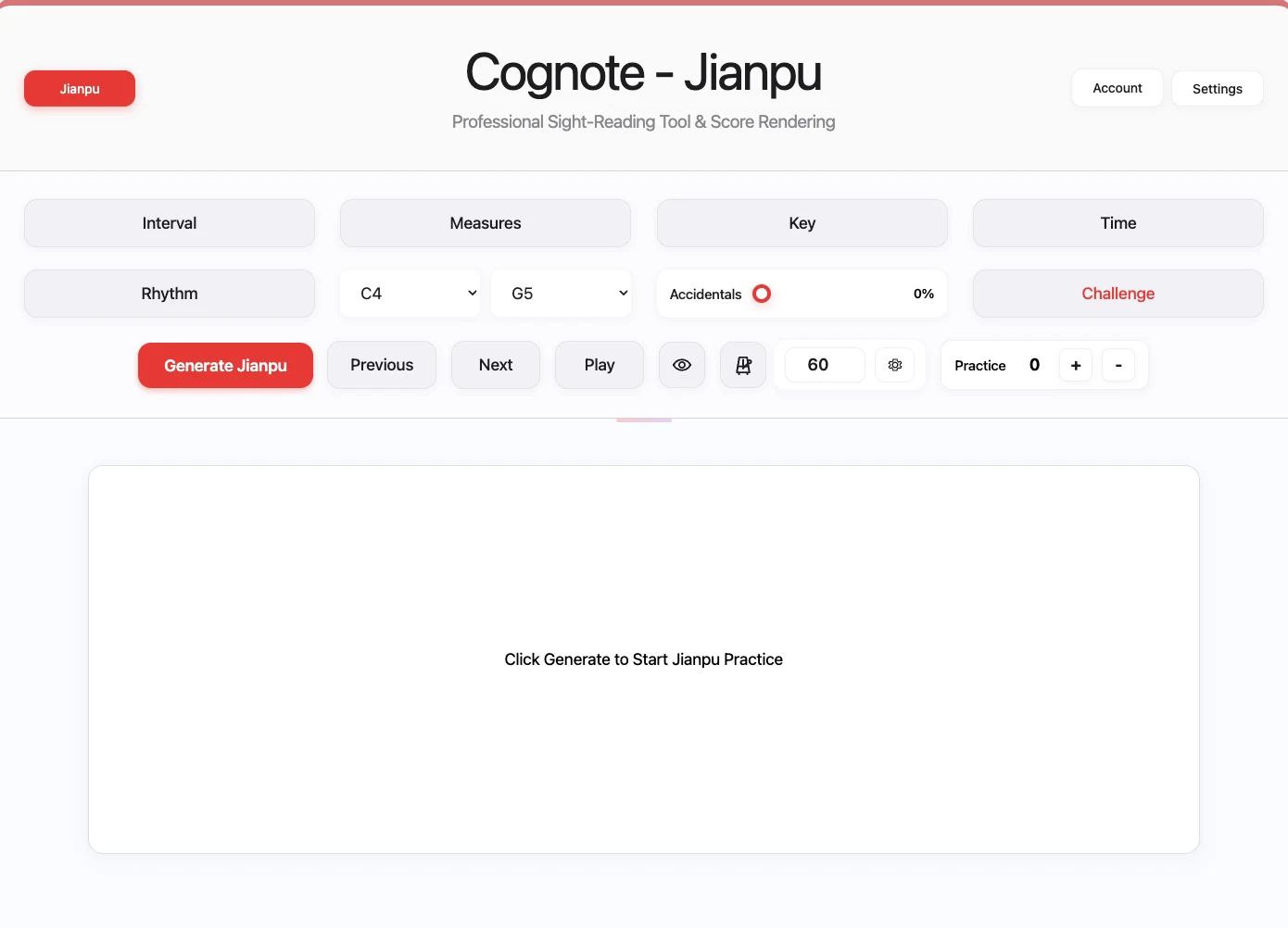
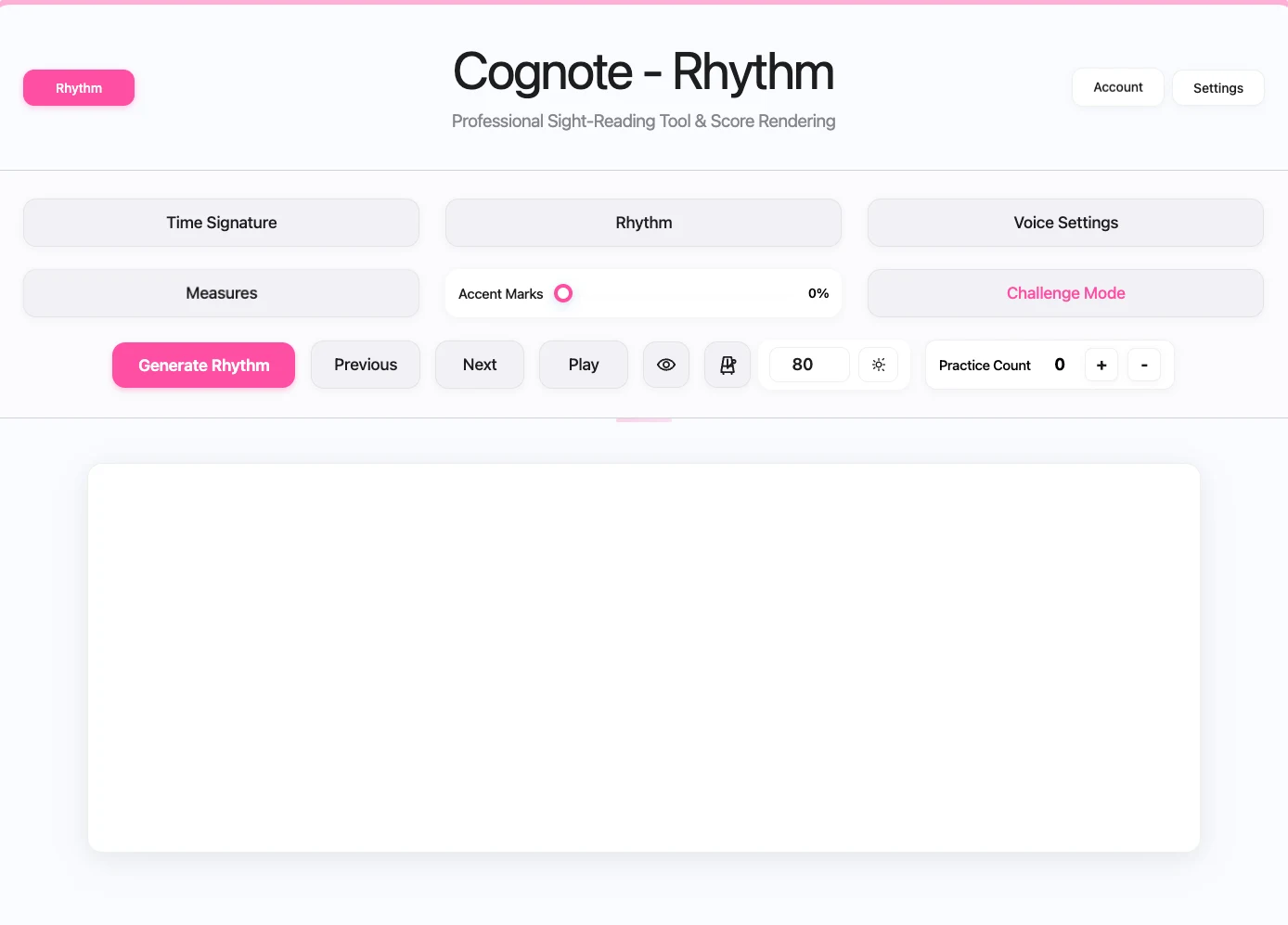
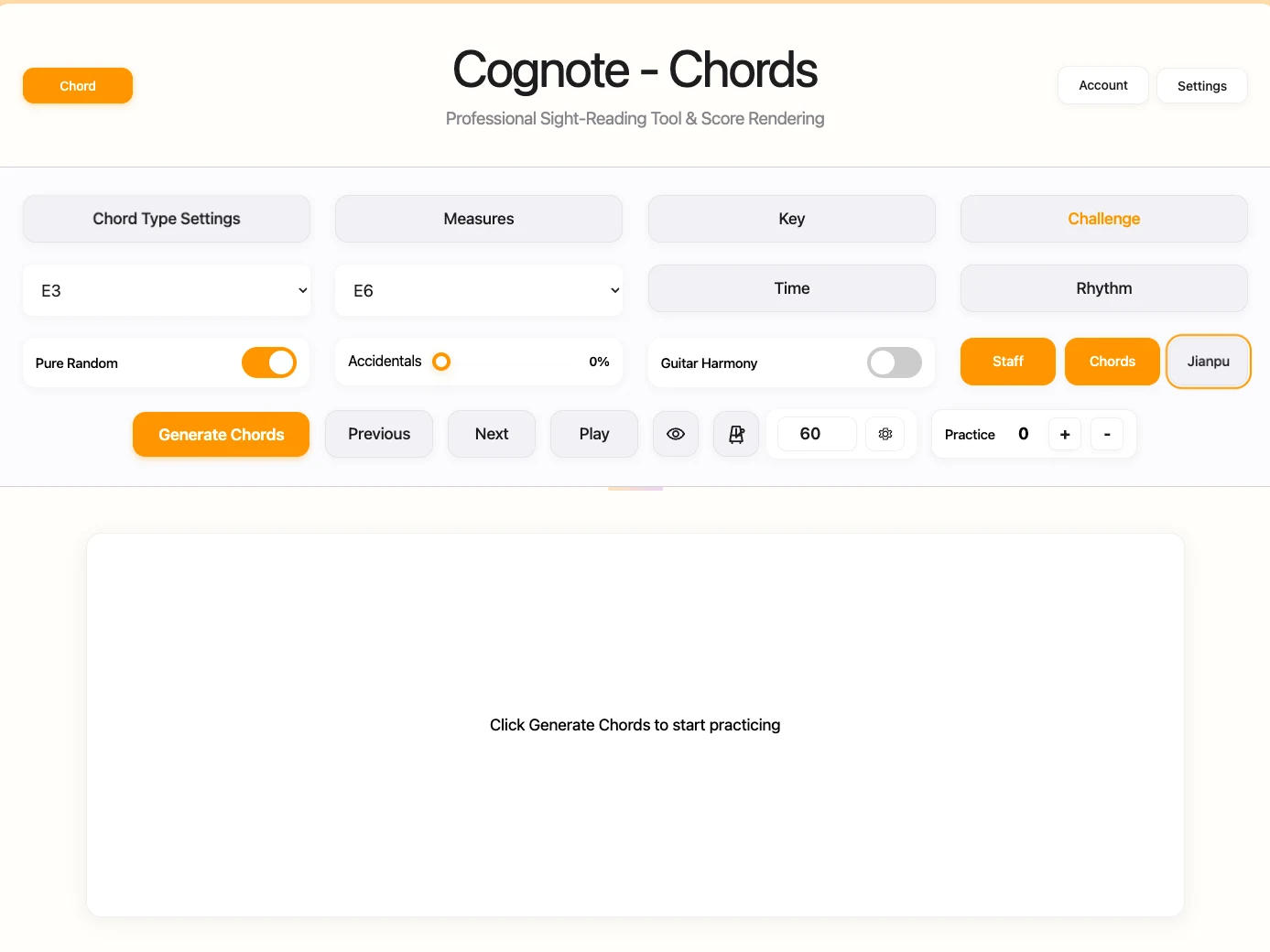
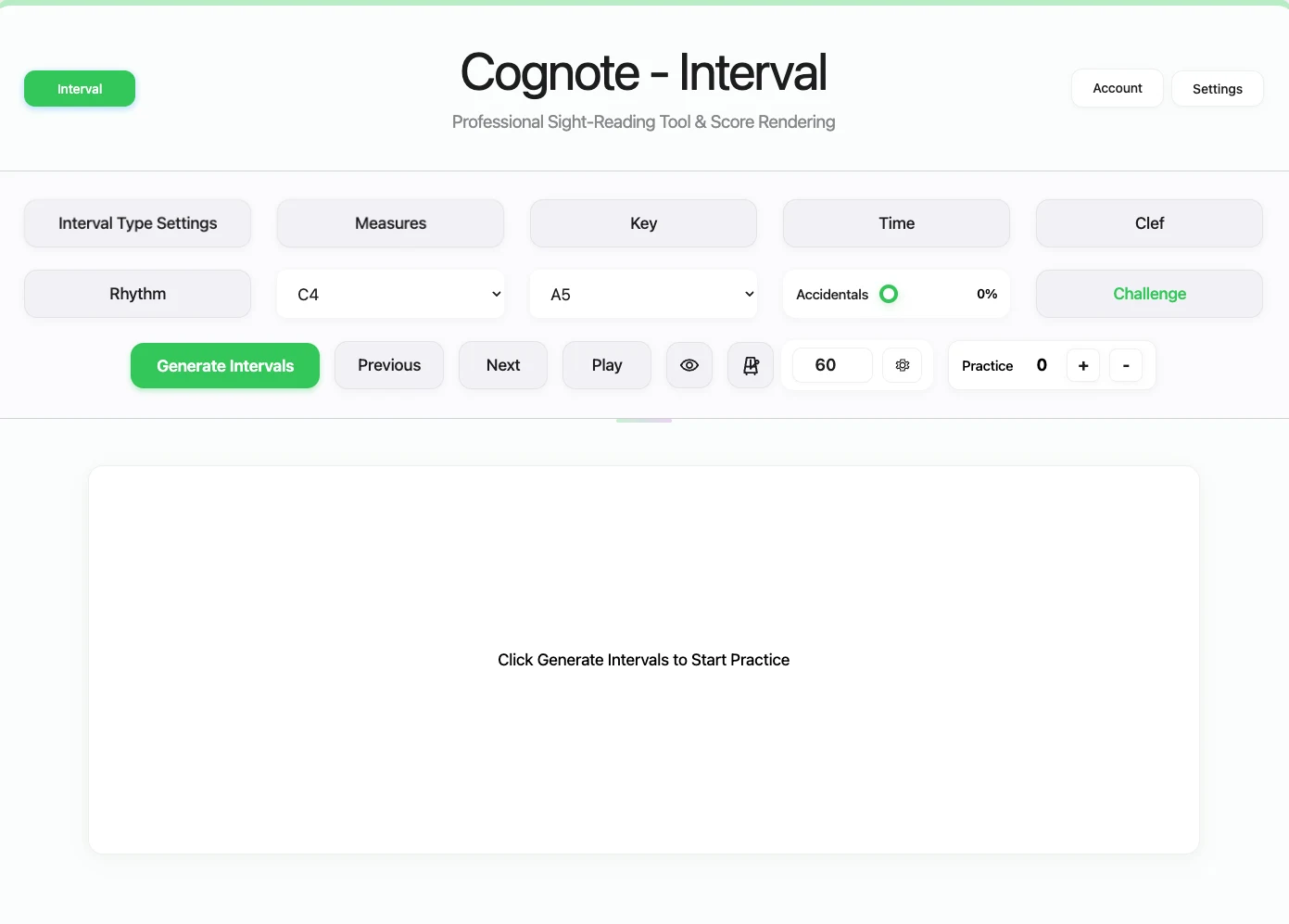
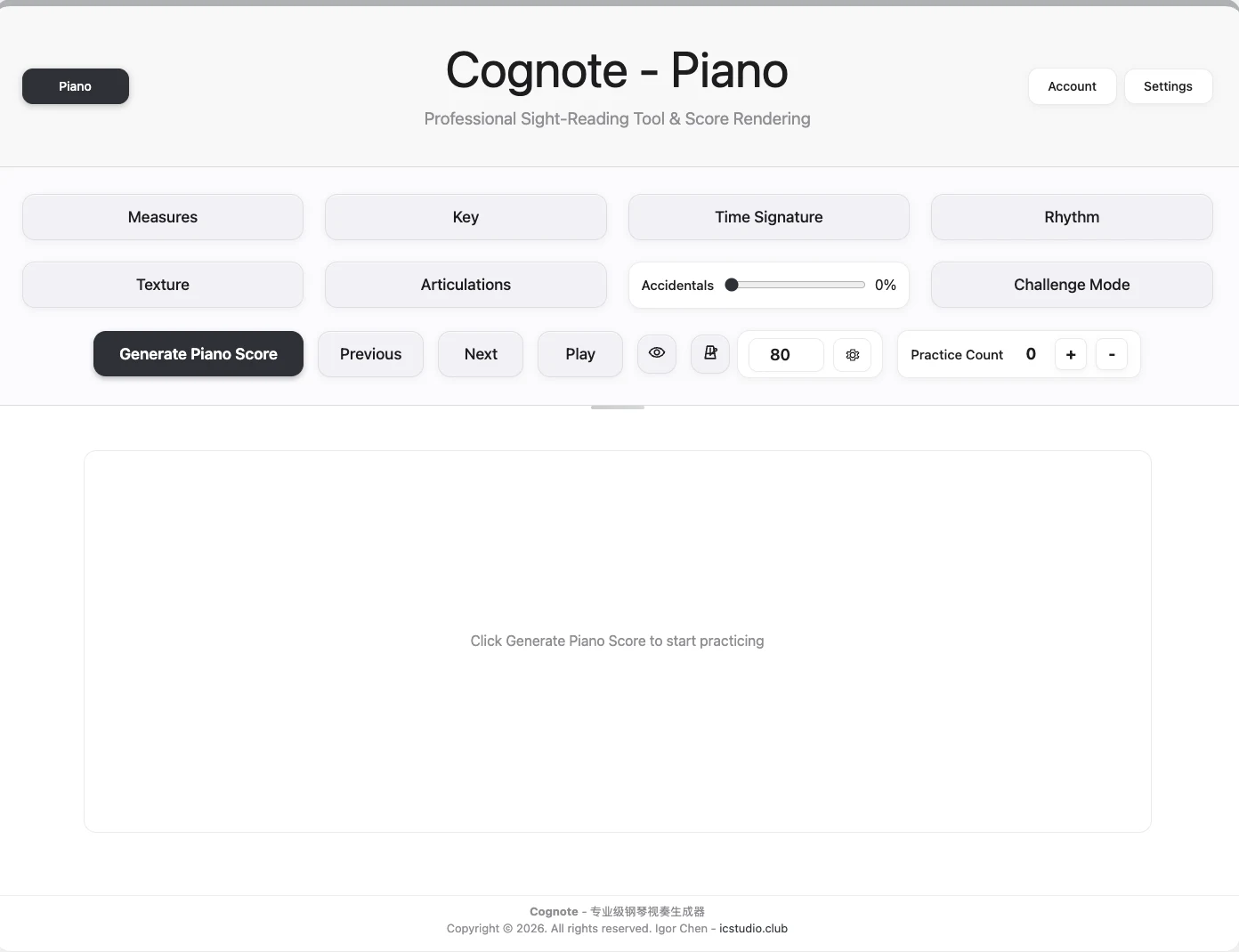
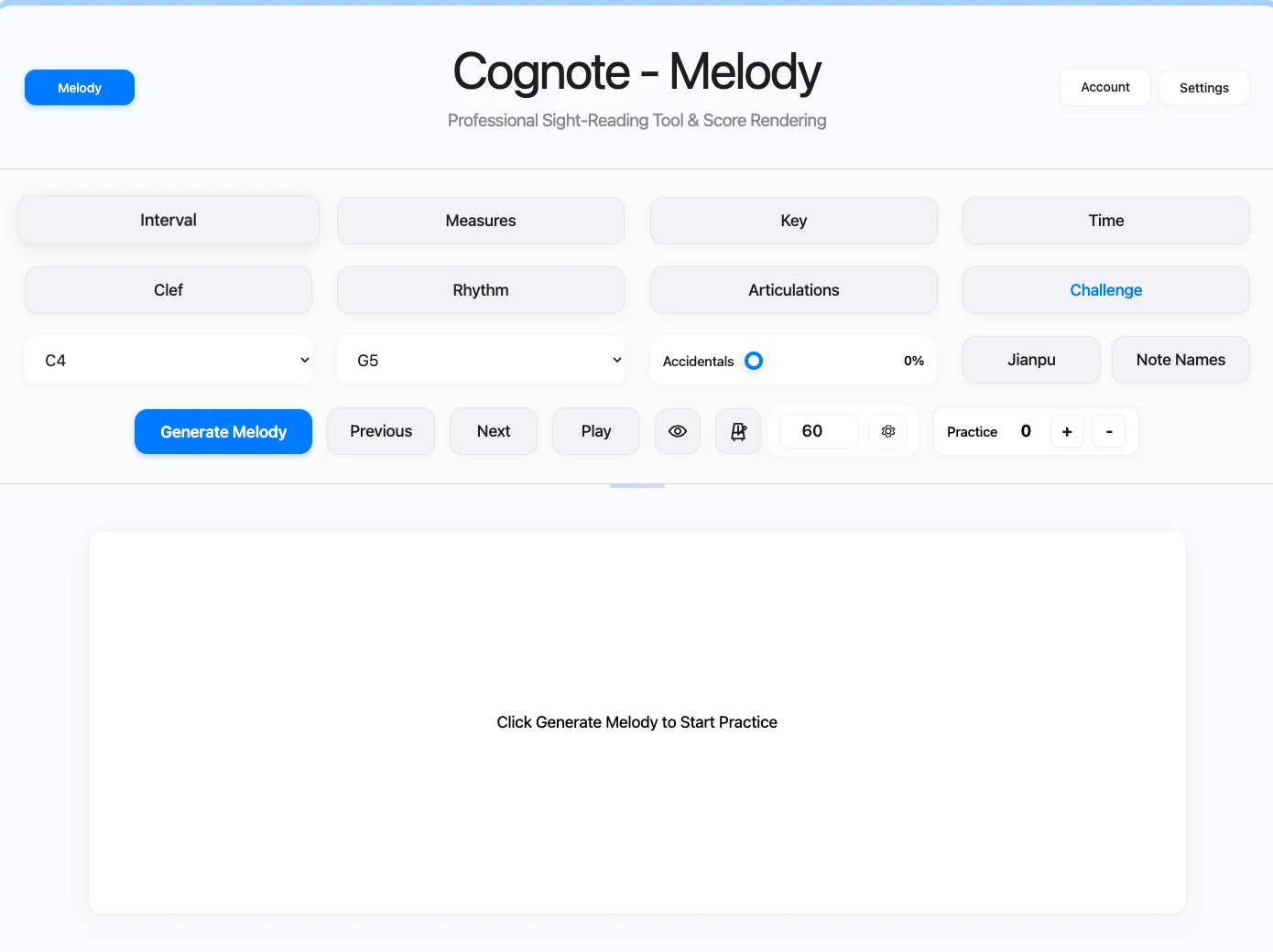
Powerful Features
Professional-grade features to help you reach new musical heights
Fully Customizable
Freely choose key signatures, time signatures, note values, and note frequency to shape exercises around your needs.
Guitar Features
提供吉他专属和声配置(Drop2、Drop3、Shell Voicing、Close Voicing)
提供吉他专属演奏技巧(断奏、连音、重音等)
Challenge Mode
Closer to real performance pressure. Adjust prep time, BPM, cursor behavior, and hidden pickup bars to move from understanding to reacting in time.
适用多个乐器
Works well for guitar, piano, violin, bass, and other instruments, so different players can train with the same system.
Unlimited Practice Material
Stop spending time hunting for large sets of practice material. Cognote can keep generating exercises that match your level.
Efficient Practice
Instead of roughly 8-10 manual drills per hour, Cognote can push a session toward about 30 targeted exercises, around 3-4x the practice volume.
Real User Feedback
All feedback below comes from real users after practice.
雨の弦
每天练半小时,把位音的印象明显加深。随机节奏有点挑战性,但练下来很有帮助。
Yinlizi Modern Music Studio
Four of my students trained melody sight-reading with Cognote and passed the entrance selections for a conservatory-affiliated school.
iMaGonX
五线谱阅读速度明显提高,现在基本可以快速说出某个音在指板上的位置。我会用琶音配合口述音名来强化记忆,固定把位练视奏也很有效。
牛奎尔
我就用那个旋律视奏,感觉识谱比以前快了,然后指板上的音程记得也比以前好了。
Daniel
很棒的音乐练习软件,像是一本圣典一般,而我才缓缓地打开它的序章,相信坚持下去,一定能靠它走进音乐的圣堂,非常推荐给喜欢音乐的朋友!
骁博Hpa
练了一段时间之后,五线谱阅读速度明显变快。工具打开就能用,很方便。生成内容有一定挑战性,如果以后能加入级数相关训练会更完善。
ati9700m20
五线谱的阅读方面,对于音符的识别,比以前快多了。对于复杂节奏,有进步,但还不能做到每次都一遍顺。指板方面,也有明显进步,目前简单节奏慢速基本全指板可以掌控。
开始你的 视奏提升 之旅
Full version
¥268 one-time purchase
Bundle
¥298 Original price ¥336
Limited Edition
Pick one tool
From ¥68 and
up
常见问题 FAQ
适合哪些人?
适合哪些人?
This tool is a good fit if you want to train reading, reaction speed, and fretboard understanding together.
It is not just for classical guitar. Anyone who wants to learn guitar seriously will benefit from some sight-reading ability. It is not only about reading notes on the page. It is also about whether, when you see a note or hear a melodic idea, you can immediately find it on the fretboard and play it.
If you:
- want to improve sight-reading
- have studied theory but still feel slow when playing
- want to turn what you see or hear into notes on the guitar more quickly
- do not want to rely only on memorized shapes and muscle memory
then this tool will likely suit you well.
Is there a mobile app?
Is there a mobile app?
There are no current plans for a native mobile app, but you can just use the web version on your phone or tablet and the experience is basically the same.
- The web tools work well on phones and tablets, including iPad.
- If you prefer practicing on a mobile device, you can simply open the webpage and start right away without installing anything extra.
应该购买完整版还是单项?
应该购买完整版还是单项?
如果你想把视奏能力系统练起来,我会更推荐直接上完整版。
- 完整版更适合做长期、成体系的训练。
- 如果你现在只想先突破某一个薄弱点,也可以先从单项开始。
网页版和软件版有什么区别?
网页版和软件版有什么区别?
两个版本的训练思路是一样的,主要区别在使用场景。
- 网页版适合快速开始和日常练习,打开就能用。
- 软件版更适合长期稳定使用,练习体验也会更完整一些。
为什么它比传统练习更有效?
为什么它比传统练习更有效?
传统练习当然也有用,但反复练固定谱例,练久了很容易变成熟题。
- Cognote 可以持续生成新的训练内容,不容易“背题”。
- 还可以按你的训练目标调整内容,更适合长期、针对性的视奏训练。
忘记访问码了怎么办?
忘记访问码了怎么办?
如果您忘记了访问码,可以通过您的订单号找回:
说明:
- 订单号或者商家订单号可在支付宝或者微信的账单记录里找到。
- 商家订单号格式如
IC17xxxxxxxxxxxxxxx、IFL17xxxxxxxxxxxxxxx或IBD17xxxxxxxxxxxxxxx - 订单号格式如
2025xxxxxxxxxxxxxxxxxxxxxxxx
访问码不能正常工作?
访问码不能正常工作?
If the tool still stays in trial mode after you enter the access code, try refreshing the page a few more times. If the problem still persists, please contact IC Studio.
M 芯片 Mac 提示“软件已损坏,无法打开”?
M 芯片 Mac 提示“软件已损坏,无法打开”?
M 芯片的 Mac 下载软件时会出现“软件以损坏,无法打开”的弹窗,这时候只需要在终端机(Terminal)里输入下面命令即可:
xattr -cr "/Applications/Cognote.app"
How to Get a Refund?
How to Get a Refund?
Refund requests must be submitted within 7 days of payment and are reviewed under the refund policy; refunds are not unconditional.
Refund Conditions:
- Only eligible cases listed in the policy, such as qualifying technical failure or duplicate charge, may be refunded
- Requests submitted more than 7 days after payment are not accepted
有其他问题?欢迎联系我!
有其他问题?欢迎联系我!
如果您在使用过程中遇到以下任何问题,欢迎通过下面的联系方式联系我,我会尽快为您解决:
- 使用工具时有遇到 bug
- 找回访问码不能正常工作
- 退款按钮不能正常工作
- 任何其他关于产品的咨询
联系方式:
- 邮箱:[email protected]
- 所有信息尽量在最多 48 小时内回复